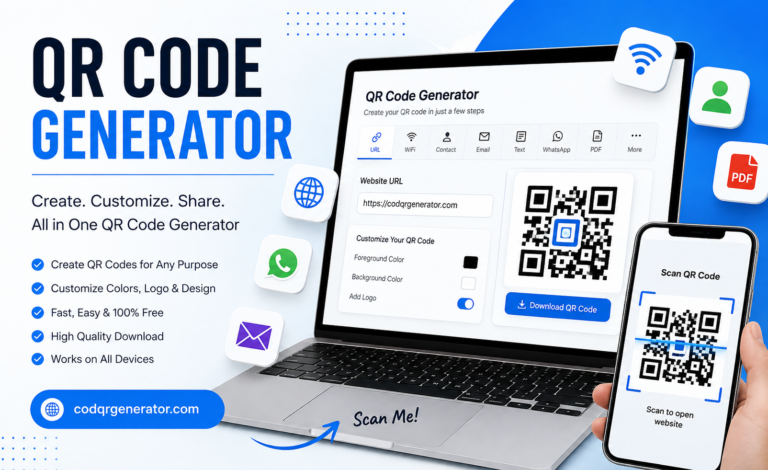
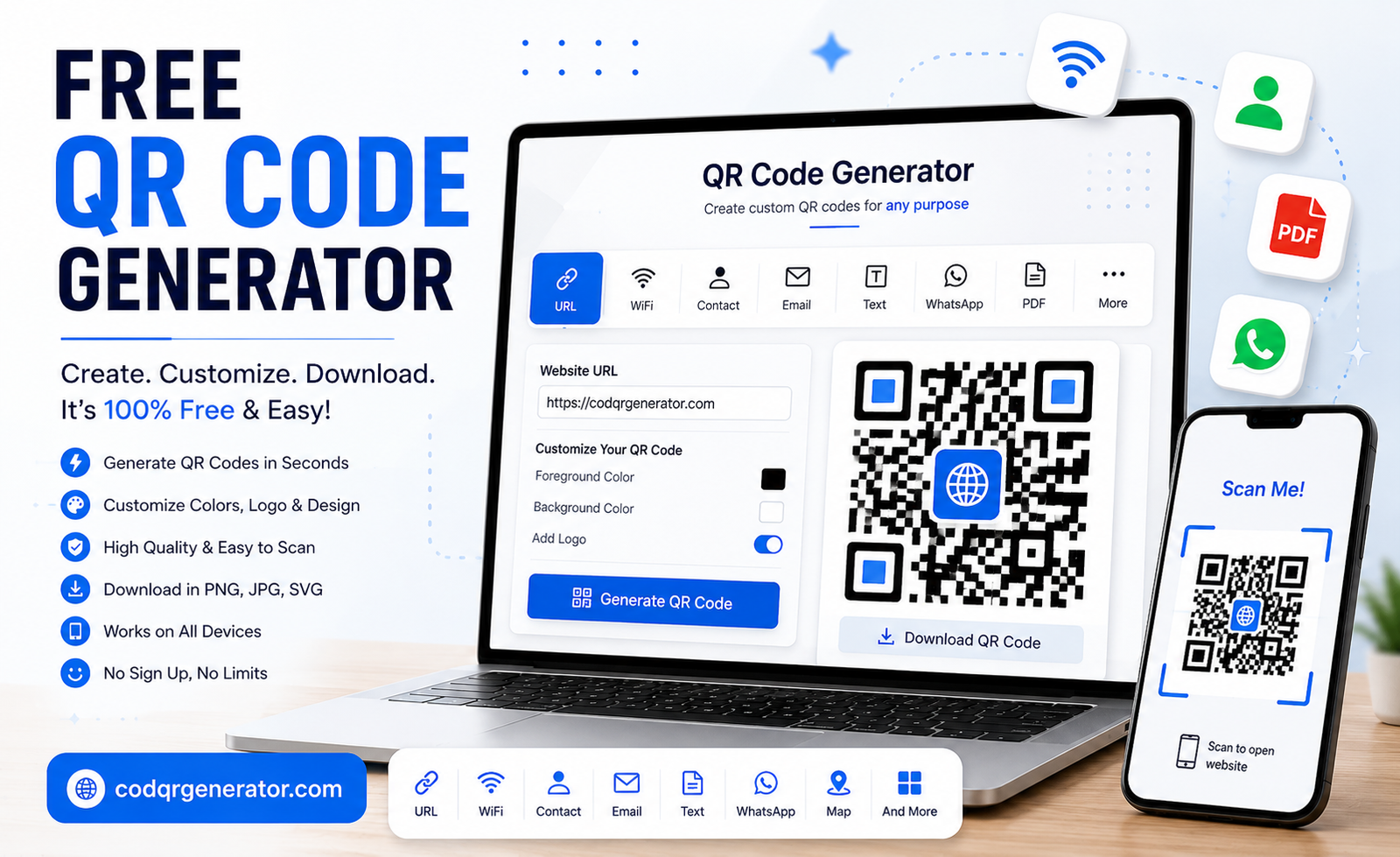
Free QR Code Generator
QR codes have become one of the easiest ways to share digital information. Instead of asking someone to type a long website address, phone number, email address, or other information, you can simply provide a QR code that they can scan with their smartphone.
If you are looking for a Free QR Code Generator, codqrgenerator.com provides an easy way to create QR codes for different types of information. Whether you need a QR code for your website, WiFi, contact details, WhatsApp, email, text, PDF, social media, image, map, or application, you can create it online.
What Is a Free QR Code Generator?
A Free QR Code Generator is an online tool that allows you to convert information into a QR code without requiring complicated software or technical knowledge.
A QR code contains encoded information that can be read by a smartphone camera or QR code scanner. When someone scans the code, the information associated with it can be displayed or opened.
With the Free QR Code Generator available on codqrgenerator.com, you can create QR codes for different personal, business, marketing, educational, and professional purposes.
Why Use a Free QR Code Generator?
QR codes make information sharing quick and convenient. They can connect physical materials with digital content and reduce the need for users to manually type information.
Here are some common reasons to use a free QR code generator:
- Create QR codes quickly
- Share website URLs
- Provide WiFi access information
- Share contact details
- Connect customers through WhatsApp
- Share email information
- Provide access to PDF documents
- Share text information
- Connect users with social media
- Share locations and maps
- Create QR codes for marketing materials
- Add QR codes to business cards and brochures
Create a Free QR Code Online
Creating a QR code with codqrgenerator.com is designed to be simple.
1. Select Your QR Code Type
Start by selecting the type of QR code you want to create. You can choose the option that matches the information you want to share.
For example, you can create a QR code for a website URL, WiFi network, contact information, email, WhatsApp, text, PDF, image, map, or application.
2. Enter Your Information
Enter the required information into the QR code generator.
For a website QR code, you can enter your website address. For a WiFi QR code, you can provide the required network information. The information you enter determines what users will access when they scan the QR code.
3. Customize Your QR Code
You can customize your QR code according to your requirements. Customization can help make your QR code more suitable for your brand, business, project, or marketing material.
Depending on the available options, you may be able to customize:
- QR code colors
- Background color
- QR code design
- Logo
- Appearance
- Size
When customizing a QR code, make sure the design maintains sufficient contrast and remains easy to scan.
4. Generate Your QR Code
After entering your information and completing your desired customization, generate your QR code.
Your QR code can then be prepared for use on digital or printed materials.
5. Download and Use It
Once your QR code has been generated, you can use it where needed.
QR codes can be placed on websites, business cards, flyers, posters, brochures, product packaging, restaurant menus, advertisements, presentations, event materials, and many other locations.
Types of QR Codes You Can Create
A useful Free QR Code Generator should support different types of information because people use QR codes for many different purposes.
URL QR Code
A URL QR code allows you to turn a website address into a scannable QR code.
Businesses can use URL QR codes to direct customers to:
- Websites
- Landing pages
- Product pages
- Online stores
- Blogs
- Registration pages
- Promotional pages
If you want to create a QR code for your website, visit codqrgenerator.com and create your QR code online.
WiFi QR Code
WiFi QR codes make it easier to share wireless network information.
Instead of manually typing a complicated WiFi password, users can scan the QR code using a compatible smartphone and access the provided network information.
WiFi QR codes can be useful in:
- Homes
- Offices
- Hotels
- Restaurants
- Cafes
- Guest areas
- Events
Contact QR Code
A contact QR code can be used to share important contact information.
Professionals can place contact QR codes on business cards, brochures, presentations, advertisements, and other marketing materials.
WhatsApp QR Code
A WhatsApp QR code can make it easier for customers and other users to start a WhatsApp conversation.
Businesses can place WhatsApp QR codes on websites, flyers, posters, business cards, advertisements, and promotional materials.
Email QR Code
An email QR code can provide email-related information through a simple scan.
It can be useful for businesses and professionals who want customers to contact them without manually typing an email address.
Text QR Code
A text QR code stores plain text information. When scanned, users can view the encoded text.
Text QR codes can be useful for:
- Instructions
- Short messages
- Notes
- Educational content
- Event information
- Product information
PDF QR Code
A PDF QR code can be used to provide access to a PDF document.
Businesses and organizations can use PDF QR codes for brochures, catalogs, guides, menus, instructions, forms, and informational documents.
Image QR Code
An image QR code can be used to provide access to visual content.
This can be useful for marketing campaigns, portfolios, product information, event materials, and creative projects.
Map QR Code
A map QR code can help people find a specific location more conveniently.
Businesses can use map QR codes to help customers find offices, shops, restaurants, event venues, and other locations.
vCard QR Code
A vCard QR code can be used to share structured contact information.
It is particularly useful for professionals and businesses that want to make their contact details easier to access and save.
Social Media QR Code
Social media QR codes can make it easier for people to access social profiles and pages.
They can be used on:
- Business cards
- Posters
- Flyers
- Packaging
- Advertisements
- Events
- Promotional materials
Application QR Code
QR codes can also be used to provide access to applications or application-related pages. This can be useful when promoting an app through printed or digital marketing materials.
Free QR Code Generator for Businesses
Businesses can use QR codes in many different ways. A QR code can connect customers from a physical advertisement or product to digital information.
For example, a business can place a QR code on a business card that directs customers to its website. A restaurant can use a QR code to provide access to its digital menu. A store can use QR codes on product packaging to provide additional information.
Common business uses include:
- Business cards
- Product packaging
- Restaurant menus
- Store displays
- Flyers
- Posters
- Brochures
- Advertisements
- Event materials
- Customer support
- Website promotion
- Social media promotion
Free QR Code Generator for Marketing
QR codes can be an effective part of digital and offline marketing campaigns.
A printed advertisement normally requires customers to remember or type a website address. A QR code provides a faster alternative because customers can scan the code and access the intended digital destination.
For example, you can place a QR code on a poster and direct users to a promotional webpage. You can also add a QR code to a brochure, business card, product package, or flyer.
This makes QR codes useful for connecting offline marketing with online content.
Free QR Code Generator for Business Cards
Business cards contain limited space, so including every piece of digital information can be difficult.
A QR code can provide an additional way to share information without filling the entire card with text.
You can use a QR code to provide access to:
- Your website
- Contact information
- Social media
- Portfolio
- Business profile
A customized QR code can also complement your overall business card design.
Free QR Code Generator for Restaurants
Restaurants can use QR codes to make menus and customer information easier to access.
A QR code can be placed on tables, counters, menus, posters, or other suitable locations. Customers can scan the code using their smartphone and access the intended digital information.
QR codes can also be used for restaurant websites, contact information, social media, locations, and promotional pages.
Free QR Code Generator for Events
QR codes are useful for events because attendees often need quick access to digital information.
Event organizers can use QR codes for:
- Registration
- Event websites
- Venue locations
- Schedules
- Digital documents
- Contact information
- Social media
- Event instructions
A QR code printed on an event poster or ticket can provide a convenient connection to digital resources.
How to Make a QR Code Easy to Scan
Creating a QR code is only the first step. It is also important to make sure people can scan it easily.
Use Strong Contrast
The QR code should have enough contrast with its background. Avoid designs where the QR pattern blends into the background.
Choose the Right Size
A QR code should be large enough for the intended scanning distance. A code printed on a large poster may need to be larger than one printed on a business card.
Leave Clear Space
Keep enough empty space around the QR code. Avoid placing text, graphics, or other design elements directly against its edges.
Test Your QR Code
Always test your QR code before printing or publishing it. Scan it using a smartphone to make sure it works correctly.
Check the Destination
If your QR code points to a website, make sure the destination is working properly and provides a good experience on mobile devices.
Can I Customize a QR Code for Free?
Yes, customization options can be used to make a QR code better suited to your project or branding.
Depending on the QR code type and available features, you can customize elements such as colors, background, design, and logo.
However, customization should never make the QR code difficult to scan. A visually attractive QR code is useful only when users can successfully scan it.
Where Can You Use a Free QR Code?
QR codes can be used almost anywhere you need to connect people with digital information.
Some common locations include:
- Business cards
- Websites
- Posters
- Flyers
- Brochures
- Restaurant menus
- Product packaging
- Event tickets
- Office signs
- Store displays
- Presentations
- Catalogs
- Advertisements
- Educational projects
- Marketing materials
Free QR Code Generator for Personal Use
You do not need to own a business to benefit from QR codes.
Individuals can create QR codes for personal websites, WiFi information, contact details, social profiles, event invitations, documents, locations, and text.
Students can also use QR codes in school or university projects, presentations, portfolios, posters, and educational materials.
Free QR Code Generator for Students
Students can use QR codes to make presentations and projects more interactive.
For example, a student can include a QR code that directs classmates or teachers to additional online information, a document, website, presentation resource, or other digital content.
QR codes can also be useful for educational posters and project displays.
Are QR Codes Useful for SEO?
QR codes themselves are not a direct replacement for traditional SEO techniques. However, they can help connect offline audiences with your website and digital content.
For example, if you promote your website through printed materials, a QR code can make it easier for people to access the website using their smartphones.
This can support your broader marketing strategy by creating an easy connection between offline and online content.
Why Use codqrgenerator.com?
codqrgenerator.com is designed to make QR code creation simple and convenient.
You can use the Free QR Code Generator to create QR codes for different types of information, including URLs, text, WiFi, contact details, WhatsApp, email, PDFs, images, maps, social media, and more.
The platform is suitable for individuals, students, professionals, marketers, event organizers, and businesses that need QR codes for digital or printed materials.
Frequently Asked Questions
What is a Free QR Code Generator?
A Free QR Code Generator is an online tool that allows you to turn information such as URLs, text, WiFi details, contact information, or other data into a scannable QR code.
How can I create a QR code for free?
You can create a QR code using codqrgenerator.com. Select the QR code type, enter your information, customize the design if needed, and generate your QR code.
Can I create a QR code for my website?
Yes. You can create a URL QR code and use it to make your website easier to access from printed or digital materials.
Can I create a WiFi QR code?
Yes. A WiFi QR code can be used to share wireless network information and make connecting to a network more convenient.
Can I add a logo to my QR code?
Depending on the QR code options available, you can add a logo and customize your QR code. Make sure the logo does not interfere with the code’s ability to be scanned.
What information can I put in a QR code?
Depending on the QR code type, you can use URLs, text, WiFi information, contact details, email information, WhatsApp links, PDFs, images, maps, social media information, and application-related links.
Can businesses use free QR codes?
Yes. Businesses can use QR codes on business cards, menus, packaging, flyers, posters, advertisements, brochures, and other marketing materials.
Do I need special software to create a QR code?
No. You can create QR codes online using the Free QR Code Generator at codqrgenerator.com.
Create Your Free QR Code Today
QR codes provide a simple way to connect people with digital information. Whether you are a business owner, student, marketer, professional, event organizer, or individual, a QR code can make information sharing faster and more convenient.
From website URLs and WiFi information to contact details, WhatsApp, email, PDFs, maps, images, and social media, there are many ways to use QR codes in everyday life.
If you are ready to create your own QR code, visit codqrgenerator.com and use our Free QR Code Generator to create a QR code online.